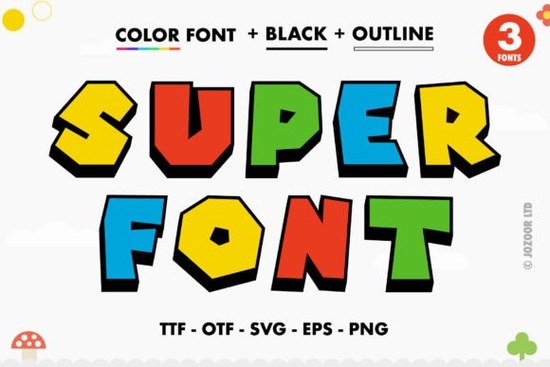
When you are working on vibrant graphics, social posts, or merchandise mockups, standard black lettering often falls flat. That is exactly where Super Font steps in. It is a bold, thick display typeface designed specifically as a color font, meaning it carries built-in gradients, shadows, and playful details that appear automatically when you type. Designers and crafters looking to save hours on manual text effects will find this typeface particularly useful because it handles the heavy visual work while keeping your workflow clean.
What makes a color font different from standard typefaces?
Most typefaces you download are single-color vectors that only store the basic outline of each character. Color typography, like the OpenType-SVG format used here, embeds multiple layers, gradients, and transparent effects directly into the font file. When you place a word in your design software, it automatically renders with the intended color palette and shading. You do not need to apply drop shadows, bevels, or gradient maps manually. This saves time and keeps file structures lighter, which is especially helpful if you manage dozens of client projects or print-on-demand listings at once.
Which design programs will actually render the layers correctly?
Because this relies on SVG capabilities, compatibility is specific but covers the most widely used creative platforms. It works smoothly in Adobe Photoshop, Illustrator, Inkscape, and Silhouette Studio. These programs recognize the embedded color data and display the thick, playful lettering exactly as intended. Keep in mind that the standard OTF or TTF versions of this file will not work properly with Cricut Design Space, since that platform does not currently support OpenType-SVG color layers. If you rely heavily on die-cutting software, you would need to use a separate monochrome version or stick to print-based workflows for this specific typeface.
How do I access the hidden swashes and character variations?
The file includes PUA encoding, which is a technical way of saying that all the hidden alternates, decorative tails, and unique glyphs are fully accessible without needing advanced font mapping. In programs like Photoshop or Illustrator, you can open the Glyphs panel and browse through the available swashes. You can drag and drop them directly onto your canvas or use OpenType alternates to swap standard letters for their stylized counterparts. For step-by-step instructions on activating these features across different software, checking out the detailed walkthrough on managing OpenType-SVG layers will save you time during setup.
Where does bold display typography perform best in commercial work?
Thick, high-contrast lettering grabs attention quickly, which makes it highly effective for product thumbnails, Etsy banners, and short-form video overlays. Small business owners often use this style for packaging labels, apparel prints, and promotional flyers because the built-in color layers reduce production costs. Instead of printing multiple ink passes to achieve a gradient or shadow effect, the design stays crisp and ready-to-use as a single asset. If you are selling digital templates or physical goods, pairing this typeface with clean background elements ensures readability while maintaining that fun, retro-inspired vibe that customers tend to respond well to.
What should I check before finalizing my design files?
Before sending your artwork to print or publishing it online, review these practical checkpoints to avoid common compatibility errors:
- Verify your software supports OpenType-SVG before purchasing or downloading.
- Install the file using your operating system’s default font manager, then restart your design program.
- Open the Glyphs or Characters panel to locate PUA-encoded swashes and alternate letters.
- Test render a short phrase in your final program to confirm the color layers appear correctly.
- Export as PNG, PDF, or SVG depending on your print or web requirements, keeping the original project file editable.
When you follow these steps, the typeface integrates smoothly into your existing workflow without technical interruptions. Keep your project files organized, name your layers clearly, and always preview at full scale before sending to print or publishing online. If you want to explore similar display typefaces or compare different weight options, browsing the Super Font collection can help you find matching styles for your brand kit. This approach ensures your final pieces look polished and maintain the exact visual impact you intended from the start.
Explore Design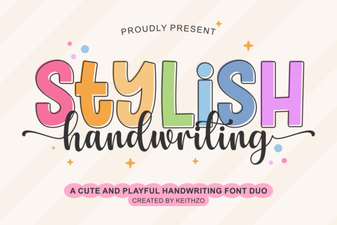 Creative Fonts for Your Beautiful Handwriting Designs
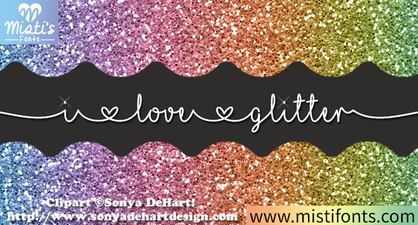 Free Glitter Font Downloads for Creative Designers
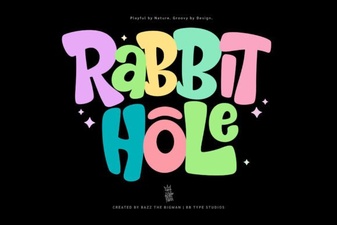 Rabbit Hole Font: Creative Inspiration & Typography Ideas
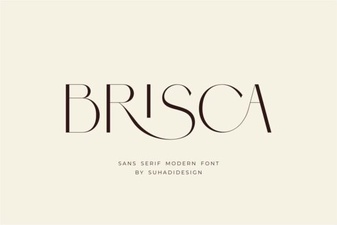 Brisca Font for Modern Design Projects
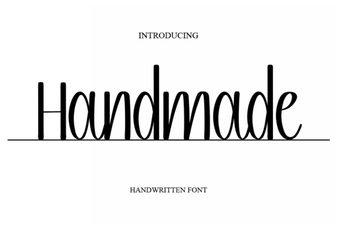 Crafting the Perfect Handmade Font for Your Design Projects
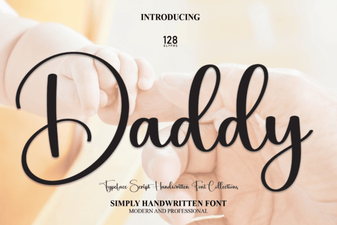 Creative Daddy Font Ideas for Your Graphic Design Projects